After Effects API explained [Complete guide]



Summarize with





Does Adobe After Effects have an API? Yes, but the After Effects API you need depends on what you’re trying to do.
Adobe After Effects gives developers two main ways to extend or automate the application:
- The After Effects SDK lets you build plug-ins that add custom effects, functionality, and integrations to AE.
- The After Effects scripting API lets you use scripts and JavaScript-based code to automate tasks inside an After Effects project, such as editing a layer, changing content, modifying properties, or triggering built-in commands.
What Adobe does not provide is an official REST API for programmatic video creation. In other words, there is no native Adobe API where a user can send project data in a request and receive a finished video file in return.
That distinction is important to know, because people searching for an After Effects API are often looking for very different capabilities. Are we right? You may want to build a plugin, automate an existing AE workflow with a script, or scale After Effects automation into a broader bulk video editing workflow.
This guide covers the main After Effects APIs and explains which option fits each use case, so let’s start reviewing them so you can figure out which case fits your needs.
After Effects API for creating plugins
The After Effects SDK is Adobe’s C/C++ API for developers who want to build plug-ins that extend what After Effects can do. Unlike a script, which mainly automates existing functionality, a plug-in can add entirely new effects, file support, UI elements, rendering behavior, or integrations with another application.
Adobe describes the SDK as the API developers use to build plug-ins for After Effects and other applications that support the After Effects API. The After Effects SDK includes headers, sample projects, and development resources, while the official After Effects C++ SDK documentation covers the available APIs and function suites in detail.
There are five main types of After Effects plug-ins:
- Effect plug-ins process video or audio and add new effects to a composition. They can expose custom parameter controls in the After Effects UI, allowing the user to modify an effect over time or use data from another layer as input.
- After Effects General Plug-ins (AEGPs) work at the application and project level. They can manipulate project elements, add menu commands and custom panels, manage the render queue, run scripts, and connect AE with another application.
- After Effects Input/Output (AEIO) plug-ins add support for media file formats that After Effects doesn’t handle natively. For some input workflows, Adobe recommends the Premiere Pro Importers API instead.
- BlitHook plug-ins send rendered frames to external video hardware, although Adobe recommends Mercury Transmit for newer integrations.
- Artisans take control of how After Effects renders 3D layers, making them one of the more specialized ways to extend the application.
Plug-ins are typically written in C or C++, so building one requires more development work than using scripts. They make the most sense when you need a custom capability that After Effects doesn’t already provide rather than simply trying to automate existing workflows.
Developers who want to start building their own plug-in can follow Adobe’s official guide to creating After Effects plug-ins, which covers sample projects, setup, testing, and the recommended development workflow.
The After Effects scripting API
The After Effects scripting API is designed to automate tasks that After Effects already knows how to perform. Instead of extending AE with entirely new rendering capabilities like a plug-in can, a script gives you programmatic control over an After Effects project, its compositions, layers, properties, files, and other project elements.
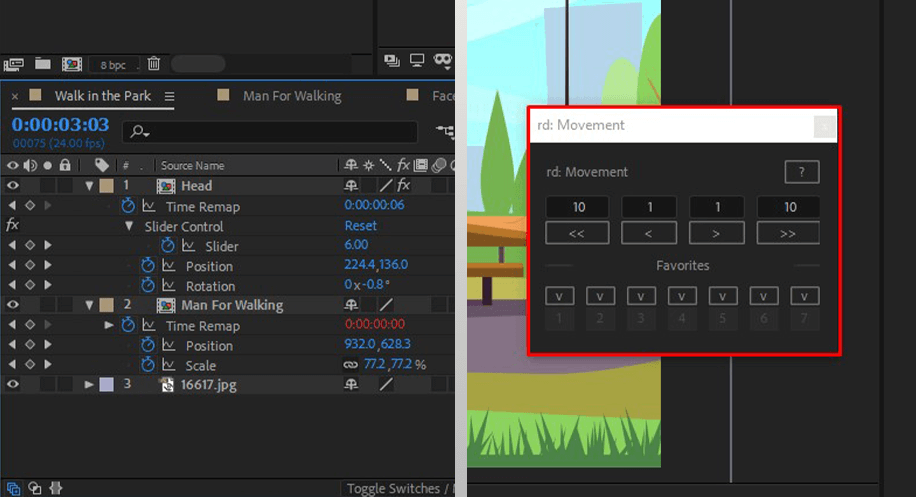
After Effects scripts are written in ExtendScript, Adobe’s extended version of JavaScript. Using scripts, a developer can automate repetitive operations, perform calculations, modify content, manipulate project elements, control the render queue, and build a custom user interface with ScriptUI.
For example, a script can find a particular text layer across multiple compositions and change its content automatically:
app.beginUndoGroup("Update headlines");

for (var i = 1; i <= app.project.numItems; i++) {
    var item = app.project.item(i);
    if (item instanceof CompItem) {
        for (var j = 1; j <= item.numLayers; j++) {
            var layer = item.layer(j);
            if (layer.name === "headline" && layer.property("Source Text")) {
                layer.property("Source Text").setValue("Hello from a script");
            }
        }
    }
}

app.endUndoGroup();
This code goes through every composition in the project, finds each layer named "headline" that has a Source Text property, and replaces its text with a new value. Anything that isn’t a text layer with that property is safely skipped.
After Effects recognizes scripts saved as .jsx files. You can place a script in the Scripts folder and run it from File > Scripts, or use File > Scripts > Run Script File to execute a file directly. Scripts can also be launched from the command line with afterfx -r, which can be useful when scripting is part of a larger automation workflow.
Adobe’s After Effects Scripting Guide documents the available objects, methods, functions, and properties you can access through code. Scripts that include their own interface can also use ScriptUI panels, which appear alongside the built-in panels in the After Effects user interface.
For development and debugging, Adobe’s old ExtendScript Toolkit has been deprecated in favor of the ExtendScript Debugger for Visual Studio Code. The debugger can attach to After Effects, run .jsx code, inspect variables, and use breakpoints while a script is running.
There are some important limitations, especially when the goal is automated video creation. A script still runs within the After Effects application and controls an AE instance. It can automate complex tasks, change project elements, prepare compositions, and trigger rendering, but it doesn’t turn After Effects into a web API.
So, if your workflow requires sending a JSON request from another application and receiving a finished video file without managing the After Effects environment yourself, the scripting API alone doesn’t provide that capability.
Automating video creation with an After Effects API
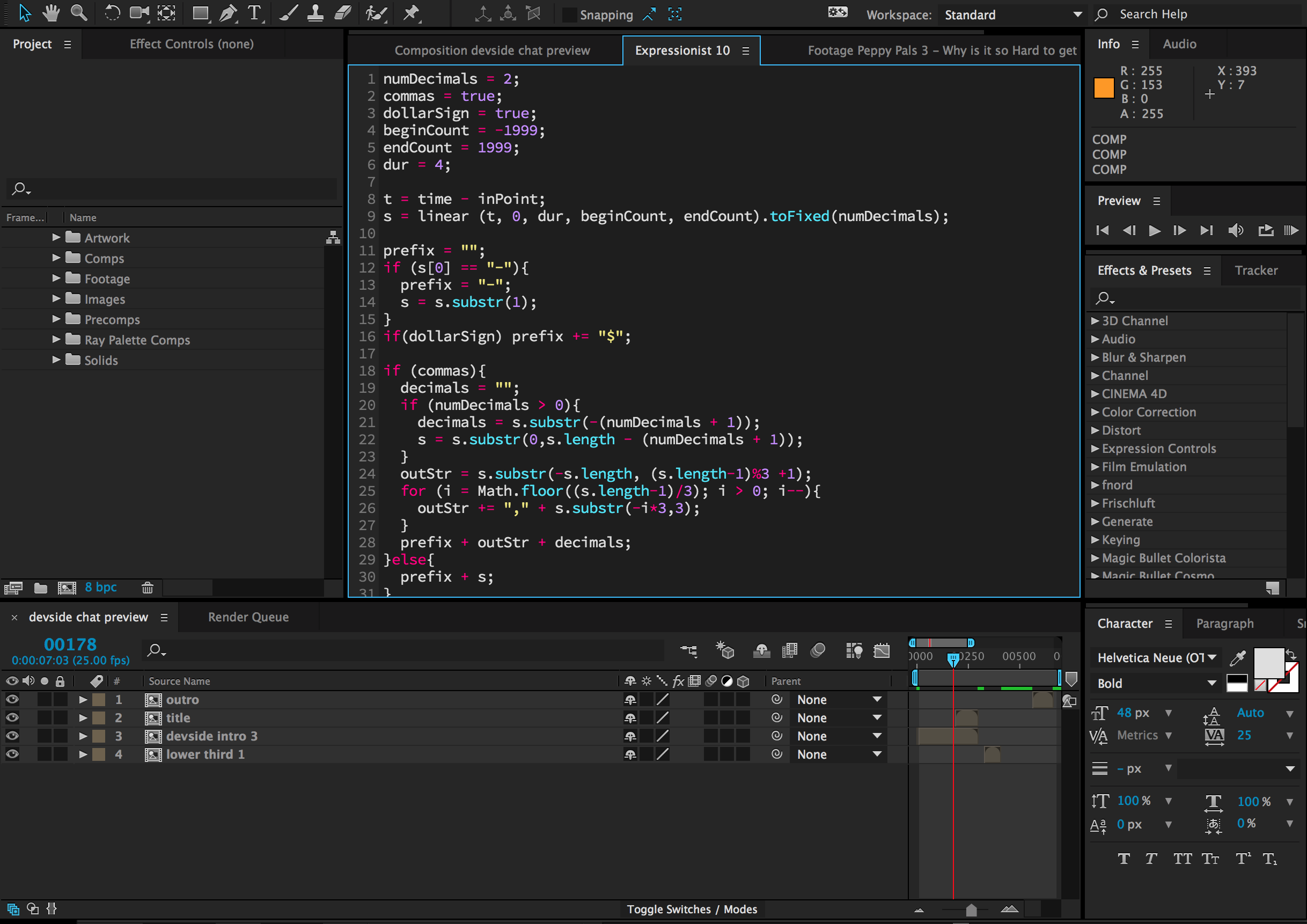
Adobe does not provide an official After Effects API for programmatic video creation. The SDK and scripting API can extend or automate AE, but neither gives you a REST endpoint where you can send a request and receive a finished video file.
For that type of workflow, you need a third-party API built around native After Effects rendering. Plainly Videos is a cloud-based rendering platform that lets you upload an After Effects project, turn selected elements into dynamic parameters, and generate videos through an API without running and managing AE on your own infrastructure.
The process works like this:
- Upload your After Effects project - You start with an existing .aep project, zip it, and upload it to Plainly, where it becomes the base for your video template.
- Mark the elements that will change - Text, images, video, audio, and other supported layers can become dynamic parameters, so the same project can generate different video variations.
- Connect your data - Pass the content for those parameters through the API or other integrations. This could include a different headline, image, CTA, or other input for each video.
- Render videos in the cloud - Plainly uses the After Effects project and supplied data to create the requested videos without requiring you to run AE locally.
Here’s what that workflow looks like in practice, using one After Effects template to generate large numbers of video variations automatically.
This approach is useful when batch rendering in After Effects needs to become part of a larger application or automated workflow. It also avoids having to build and maintain your own After Effects render bot infrastructure.
Here’s a basic example of starting a render through the Plainly API:
curl -X POST https://api.plainlyvideos.com/api/v2/renders \
  -H "Content-Type: application/json" \
  -u "YOUR_API_KEY::" \
  -d '{
    "projectId": "3934539a-d7c1-4308-a33e-ca423c0c316a",
    "templateId": "0fade341c-588e-44c2-a9ea-d7435362cbfb",
  	"parameters": {
   	 "player": "LeBron James",
   	 "stat": "Points per game",
    	"statNumber": "27.5",
    	"playerImage": "https://example.com/lebron.png"
  	},
  "webhook": {
    "url": "https://nba.com/webhooks/render-complete",
    "passthrough": "media_433"
  }
}'
This endpoint starts a new render using the specified project and template. The parameters object tells Plainly which dynamic elements to change, while the webhook can notify your application when the render is finished.
Because rendering is asynchronous, the initial request creates the render rather than returning the complete video immediately. Your application can then use the returned render ID to check its status, or use a webhook to receive the result when processing is complete.
That makes the workflow closer to what developers usually expect when searching for an After Effects API: send structured JSON data from an application, render the After Effects project in the cloud, and receive a finished video file without manually navigating the After Effects user interface.
The full set of endpoints, request parameters, render options, and response objects is available in the Plainly API documentation.
Which After Effects API should you use?
The right After Effects API depends on what you want to build. So, here’s the logic.
Use the After Effects SDK when you need to extend AE itself. It’s the right option for developers building plug-ins, custom effects, new file support, UI extensions, or integrations that add capabilities beyond what After Effects provides out of the box.
Use the After Effects scripting API when you want to automate existing functionality inside the application. Scripts are better suited for repetitive tasks such as modifying layers, updating project content, changing properties, managing compositions, or triggering render commands.
If your goal is programmatic video creation, neither option works like a traditional web API. Adobe After Effects does not provide an official REST API that accepts structured data and returns a finished video. A third-party rendering API such as Plainly adds that layer on top of native AE rendering, so an external application can send dynamic data, generate video variations, and receive rendered files through an automated workflow.
Once that process is automated, the same template can also support workflows such as personalized content, large-scale campaign variations, and A/B testing video creative without manually editing and exporting every version.
So the distinction is straightforward: use the SDK to extend After Effects, use scripts to automate After Effects, and use a rendering API when you need to automate video creation outside the After Effects interface.